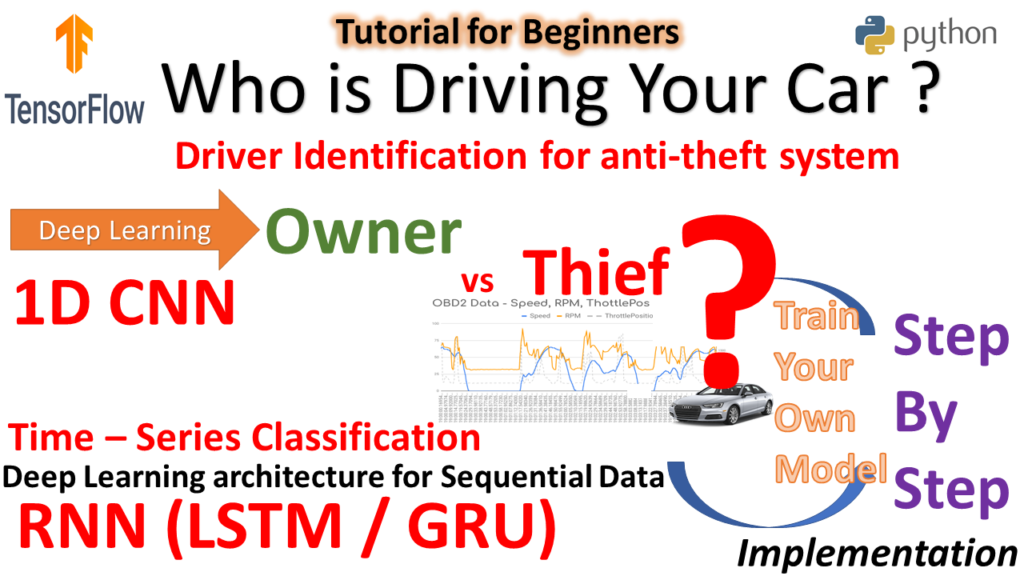
Driver Identification Using Deep Learning
Driver Identification Using Deep Learning import pandas as pd # pip install pandas %matplotlib inline import matplotlib.pyplot as plt # pip install matplotlib #import seaborn as sns; sns.set() # for plot styling import numpy as np data=pd.read_csv('full_data_test.csv') columns2=["Long_Term_Fuel_Trim_Bank1","Intake_air_pressure","Accelerator_Pedal_value","Fuel_consumption","Torque_of_friction","Maximum_indicated_engine_torque","Engine_torque","Calculated_LOAD_value", "Activation_of_Air_compressor","Engine_coolant_temperature","Transmission_oil_temperature","Wheel_velocity_front_left-hand","Wheel_velocity_front_right-hand","Wheel_velocity_rear_left-hand", "Torque_converter_speed"] #The anomalie detector using the One-Class Support Vector Machine from sklearn import svm ano_det = […]
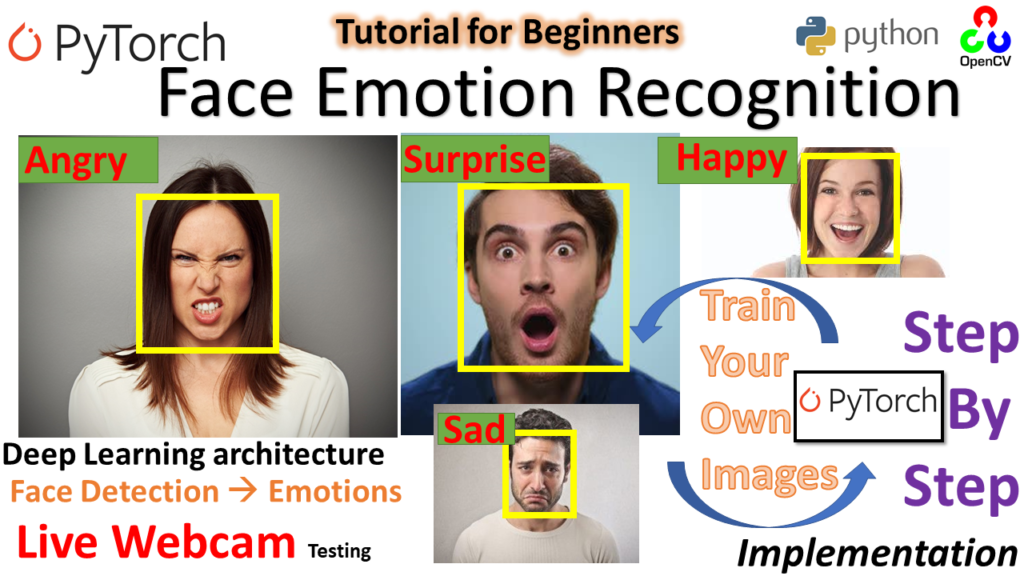
Face Emotion Recognition (Pytorch)
Re_Implementation Deep Emotion Original Source of Deep Emotion Original Source of Deep Emotion https://github.com/omarsayed7/Deep-Emotion from __future__ import print_function import argparse import numpy as np from PIL import Image import torch import torch.nn as nn import torch.nn.functional as F import torchvision import torch.optim as optim from torch.utils.data import DataLoader, Dataset from torch.utils.data.sampler import SubsetRandomSampler from torchvision import […]
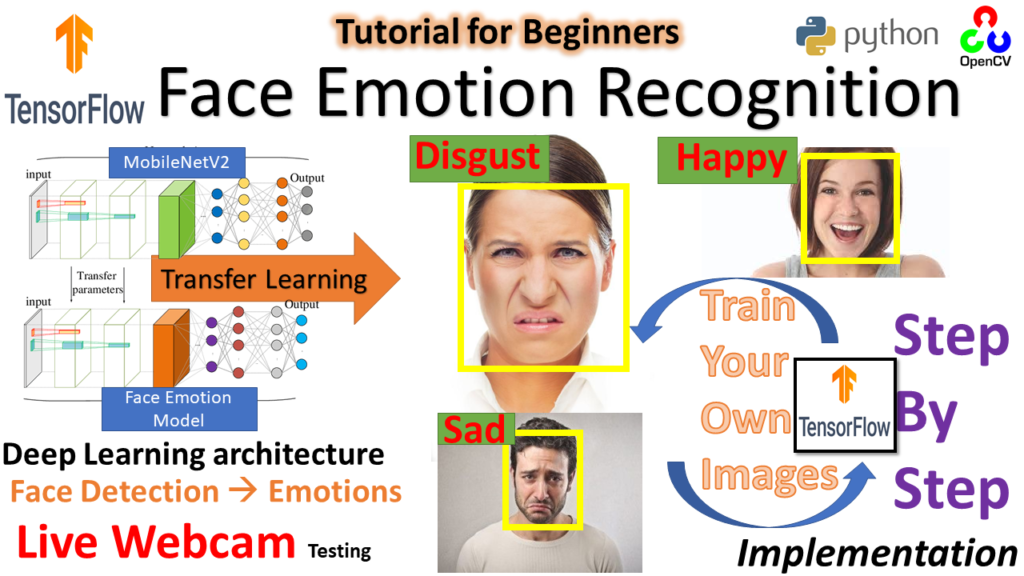
Face Emotion Recognition (TensorFlow)
import tensorflow as tf ## pip install tensorflow-gpu import cv2 ### pip install opencv-python ## pip install opencv-contrib-python fullpackage import os import matplotlib.pyplot as plt ## pip install matlplotlib import numpy as np ## pip install numpy ## shift + enter img_array = cv2.imread("Training/0/Training_314.jpg") img_array.shape # rgb (48, 48, 3) print (img_array) plt.imshow(img_array) ## BGR […]
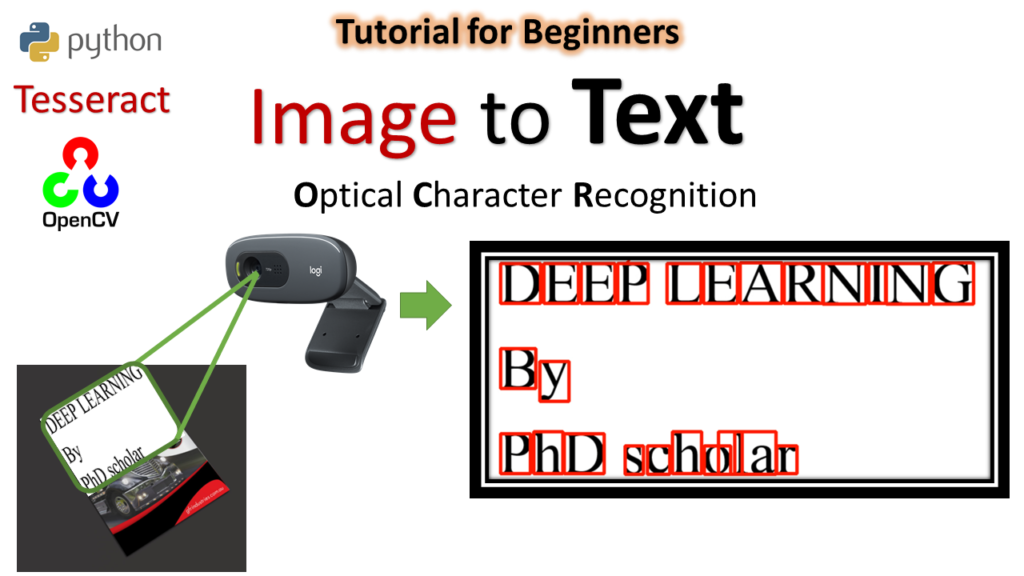
Image to Text OCR
import pytesseract import cv2 # pip install opencv-python import matplotlib.pyplot as plt ## pip install matplotlib For Configuration pytesseract.pytesseract.tesseract_cmd = r'C:\Program Files\Tesseract-OCR\tesseract.exe' img = cv2.imread('Demo.png') plt.imshow(img) img2char = pytesseract.image_to_string(img) print(img2char) imgbox = pytesseract.image_to_boxes(img) type(imgbox) str print(imgbox) imgH, imgW,_ = img.shape img.shape (720, 1280, 3) for boxes in imgbox.splitlines(): boxes = boxes.split(' ') x,y,w, h = […]
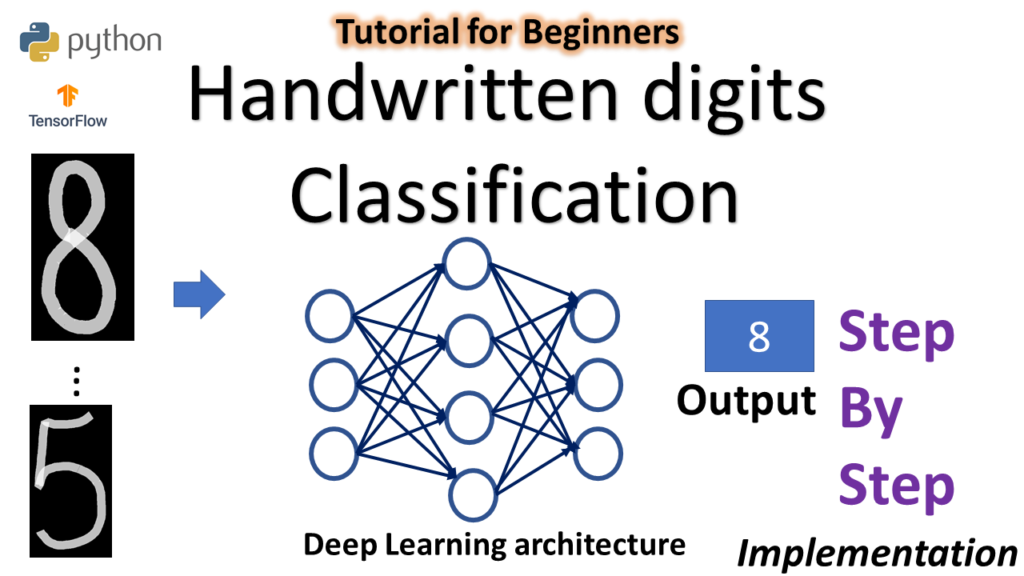
Handwritten Digits Classification
import tensorflow as tf # pip install tensorflow Loading – ” MNIST Data Set” Containing Training samples = 60,000 , Testing Samples = 10,000 TensorFlow already contain MNIST data set which can be loaded using Keras mnist = tf.keras.datasets.mnist## this is basically handwritten characters based on 28x28 sized images of 0 to 9 After loading […]
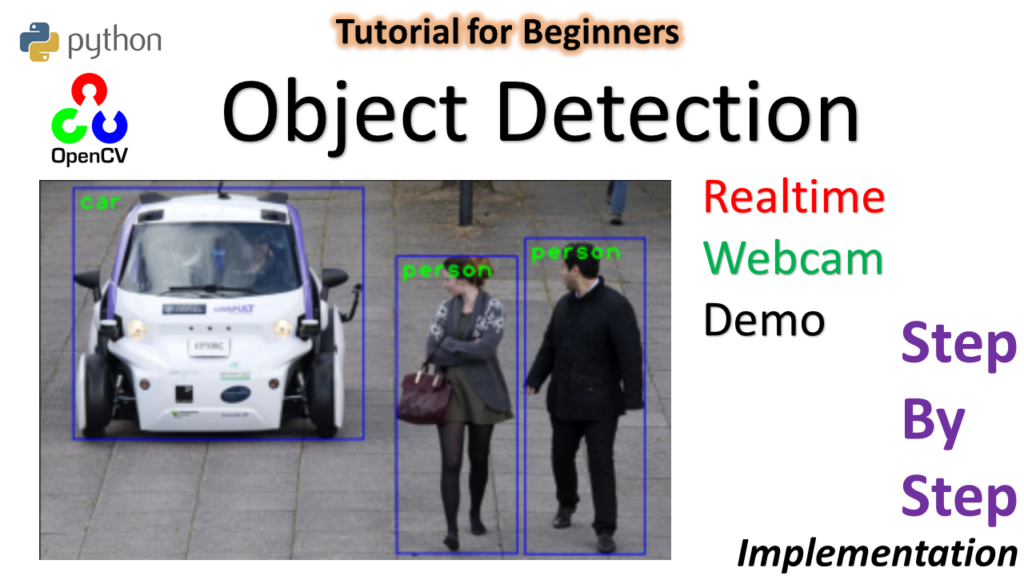
Object detection
Object Detection using SSD-MobileNetv3 import cv2 import matplotlib.pyplot as plt classLabels = [] file_name = 'Labels.txt' with open(file_name,'rt') as fpt: classLabels = fpt.read().rstrip('n').split('n') print(classLabels) ## Class labels config_file = 'ssd_mobilenet_v3_large_coco_2020_01_14.pbtxt' frozen_model = 'frozen_inference_graph.pb' Reading the Model in Opencv #model = cv2.dnn.readNetFromTensorflow(frozen_model,config_file) model = cv2.dnn_DetectionModel(frozen_model,config_file) model.setInputSize(320,320) model.setInputScale(1.0/127.5) ## 255/2 = 127.5 model.setInputMean((127.5,127.5,127.5)) ## model.setInputSwapRB(True) <dnn_Model 000001BDE265BA20> […]
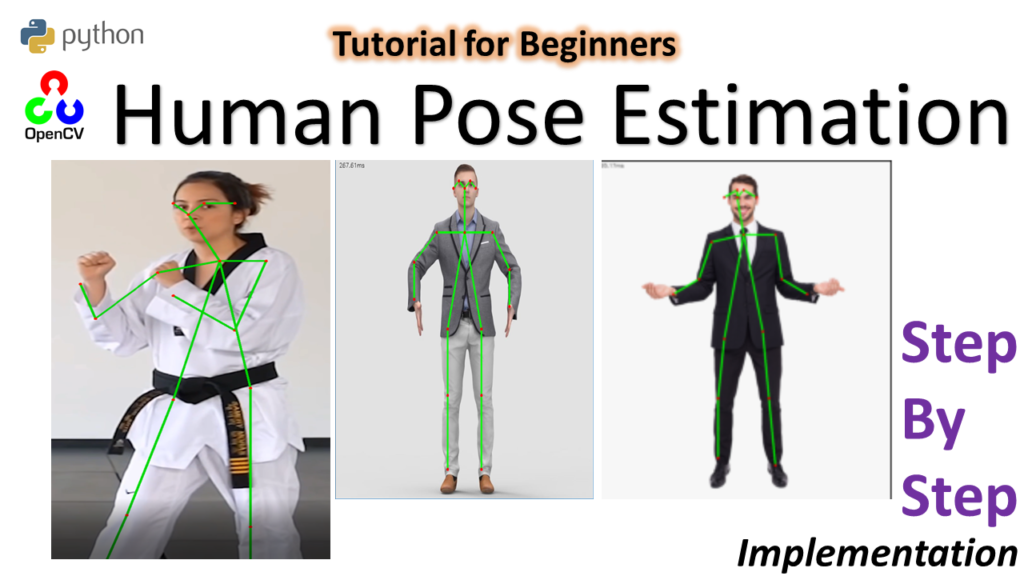
Human Pose Estimation
import cv2 as cv # pip install opencv-python shift +enter import matplotlib.pyplot as plt ## pip install matplotlib inWidth = 368 inHeight = 368 thr = 0.2 BODY_PARTS = { "Nose": 0, "Neck": 1, "RShoulder": 2, "RElbow": 3, "RWrist": 4, "LShoulder": 5, "LElbow": 6, "LWrist": 7, "RHip": 8, "RKnee": 9, "RAnkle": 10, "LHip": 11, "LKnee": […]
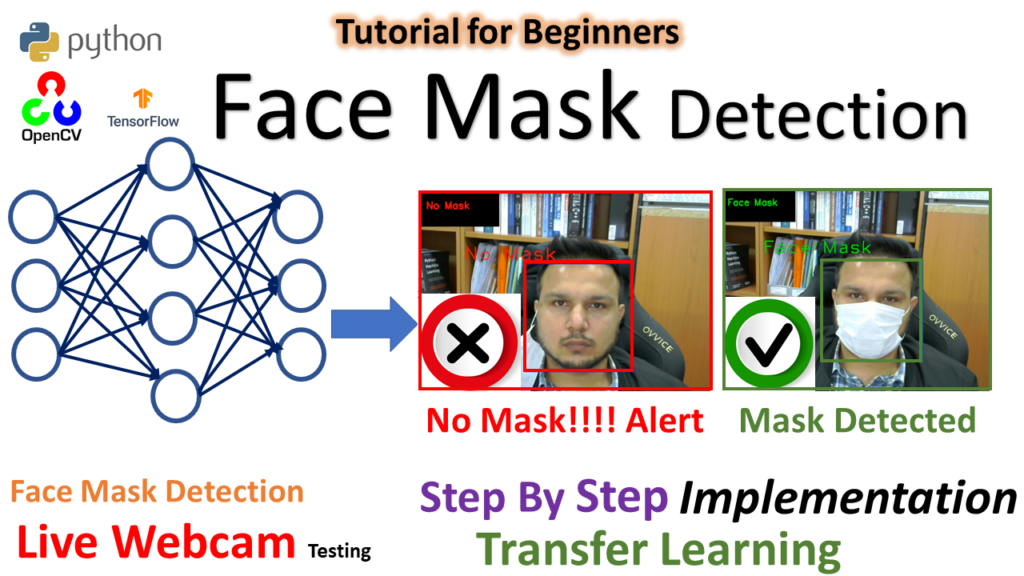
Face Mask detection
text to be added import tensorflow as tf ## pip install tensorflow-gpu import cv2 ### pip install opencv-python ## pip install opencv-contrib-python fullpackage import os import matplotlib.pyplot as plt ## pip install matlplotlib import numpy as np ## pip install numpy img_array = cv2.imread("Dataset/Face_Mask/00000_Mask.jpg") plt.imshow(img_array) ## BGR <matplotlib.image.AxesImage at 0x1b592d6bf08> plt.imshow(cv2.cvtColor(img_array, cv2.COLOR_BGR2RGB)) <matplotlib.image.AxesImage at 0x1b59322e4c8> […]
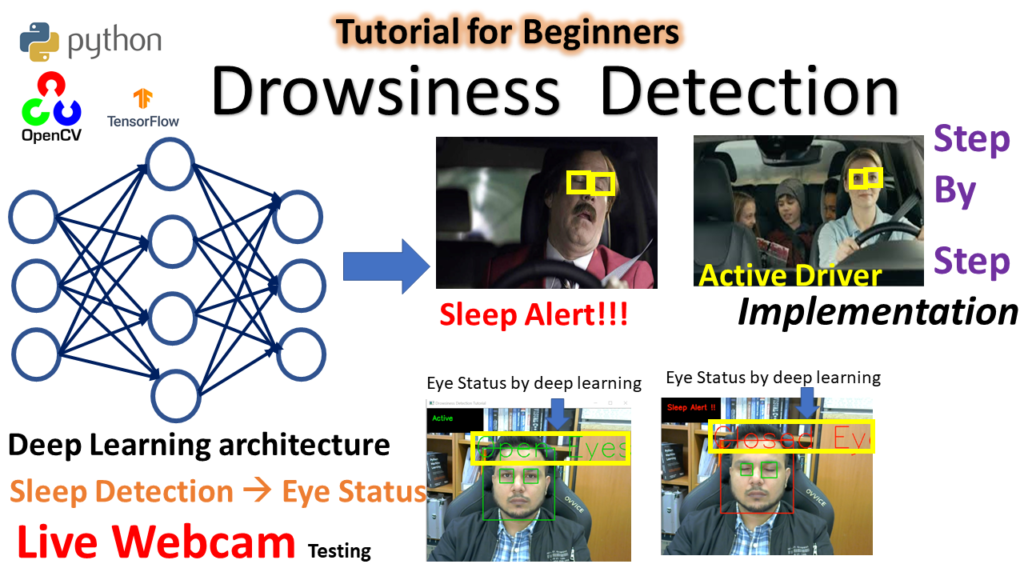
Drowsiness Detection
Drowsiness Detection https://youtu.be/qwUIFKi4V48?feature=shared text to be added import tensorflow as tf ## pip install tensorflow-gpu import cv2 ### pip install opencv-python ## pip install opencv-contrib-python fullpackage import os import matplotlib.pyplot as plt ## pip install matlplotlib import numpy as np ## pip install numpy img_array = cv2.imread("Test_Dataset/Closed_Eyes/s0001_00056_0_0_0_0_0_01.png", cv2.IMREAD_GRAYSCALE) plt.imshow(img_array,cmap="gray") img_array.shape Datadirectory = "Test_Dataset/" ## training […]